-

- SugarSync.
-
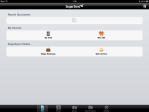
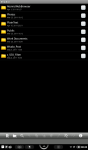
- File menu.
-
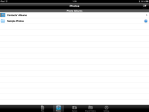
- Photos menu.
-
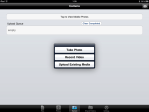
- Camera options.
-

- Shared Folders menu.
-
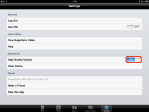
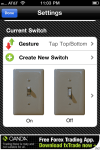
- Settings menu.
I recently read about SugarSync which is another “cloud based” backup/sync service available with free accounts of 5GB. It is available on a variety of different platforms: Windows, Mac OS, Linux, Android, the iPad and iPhone, Windows Mobile and the Blackberry.
The concept of course is very similiar to Dropbox, but offers more robust features and the ability to set multiple folders on a desktop for use much like a Dropbox folder. A note to the paranoid: SugarSync is not as secure as DropBox in that the file contents are encrypted after arriving to SugarSyncs’ servers via SSH connection. So if security is a primary concern for you (or your clandestine organisation) in my view you should investigate SpiderOak or Wuala.
If you prefer ease of use and features slightly more sophisticated for cloud based storage – signup for a free SugarSync account. Next tap or click the links below to download a client for your target platform.
Verdict: Get SugarSync for the iPad and iPhone here, and Android Market devices here.
Disclaimer: I am not associated or employed by any company producing software reviewed on this site.
*************************************************************************
UPDATE 05 Dec 2011: Read this for instructions on how to integrate SugarSync with GoodReader.



























 Glasskeys


 glasskeys.com
I have been taking a bit of a working holiday this week. Some new upcoming tips are in the pipeline for Wuala, Dropbox, and Goodreader. A couple intersting apps will be reviewed and a custom remote printing utility for tablet users written by Yours Truly that I am excited about (source will be available for Mac and Windows). Stay tuned mates.
Share this:
Leave a Comment
Posted in Commentary...