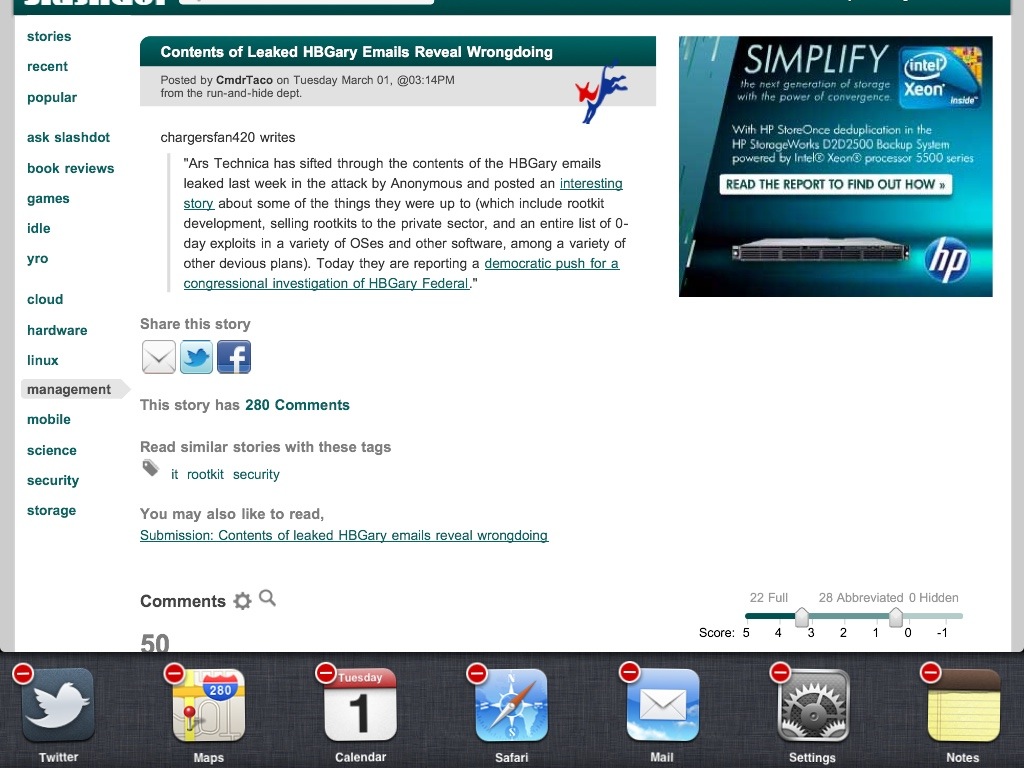
Click and hold app icon.
Click and hold works in the multitask app list. They begin the dance like icons do on the Home screen, with one exception – tapping the red minus on an app icon in multitask list will not uninstall it, only remove it from the active app list. This will free up memory for other applications.
 Glasskeys


Leave a comment