-
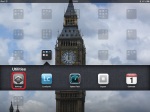
- Settings app. (iPad)
-

- General – Battery Percentage. (iPad)
-
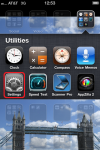
- Settings app. (iPhone)
-
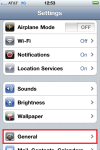
- Settings – General. (iPhone)
-
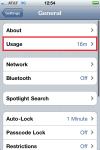
- Settings – General – Usage. (iPhone)
-

- Toggle Battery Percentage ON. (iPhone)
(To view a larger image with a more detailed description tap or click a thumbnail.)
I was recently asked how one could view the percentage of charge available on an iPad instead of the just a small battery indicator displaying the remaining power levels as is common on most iPad’s and iPhone’s.
To see a more precise metric of charge available for your iPad open the Settings app, tap General category at left, and listed in the right pane, toggle the Battery Percentage toggle switch to the ON position.
The iPhone requires one extra tap however: Settings, General, the extra tap being Usage, ending with the familiar toggle of the Battery Percentage switch to the ON position.
(Use the tag cloud at right to view similar topics.)
 Glasskeys


 glasskeys.com
Leave a comment