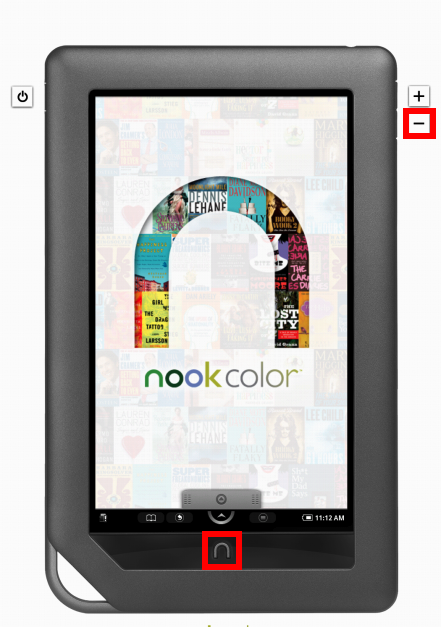
Press ∩ button and "-" volume button simultaneously.
(To view a larger image with a more detailed description tap or click a thumbnail.)
Recently reviewing my Nook Color content, I realised I have been showing Nook screenshots for months in various tips and tutorials, yet have never revealed how this is accomplished.
A simple press of the ∩ button and – button (lower volume) simultaneously does the trick.
To learn how to take screenshots on the iPad & iPhone read this.
(Use the tag cloud at right to view similar topics.)
 Glasskeys


 glasskeys.com
I tried this method and it didn’t work for me.
By: Alisha on 02/22/2012
at 12:42 am
This worked!!!!!!!!!!!!! I tired it and it really worked but you need a nook color not just a black and white nook…
By: elaina on 06/08/2012
at 9:25 pm
It didn’t work on my nook color
By: Anonymous on 03/25/2013
at 2:37 pm