-
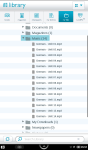
- Music files in library.
-
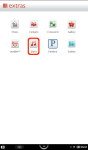
- Music application in extras menu.
-
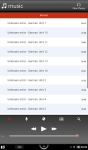
- Music out of proper order.
-
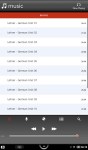
- Music play order fixed.
-
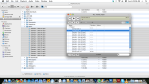
- Select files – drag to VLC.
-

- Select Media Information.
-

- Editing media info.
-

- Changing Title for a track.
-
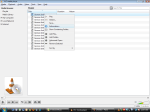
- Using VLC in Microsoft Windows.
-
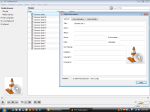
- Media Information – MS Windows.
(To view a larger image with a more detailed description tap or click a thumbnail.)
Recently whilst using my Nook Color to listen to instructional music files in the built-in music player, I noticed the player was displaying my album tracks in a seemingly haphazard order although the filenames of the MP3 files sorted perfectly in the library. After investigation I discovered that the Nook uses the metadata of the MP3 files to determine how tracks are sorted.
Luckily, knowing that the free VLC application enables one to edit the metadata of MP3 files, I was able to ensure the Title, Author, Album and other track information for each file was entered properly. Of key importance was ensuring that each track number used two digits, so that the names would be sorted properly in alphabetical order.
Get VLC for Mac, Linux or Windows here.
 Glasskeys


 glasskeys.com
Leave a comment