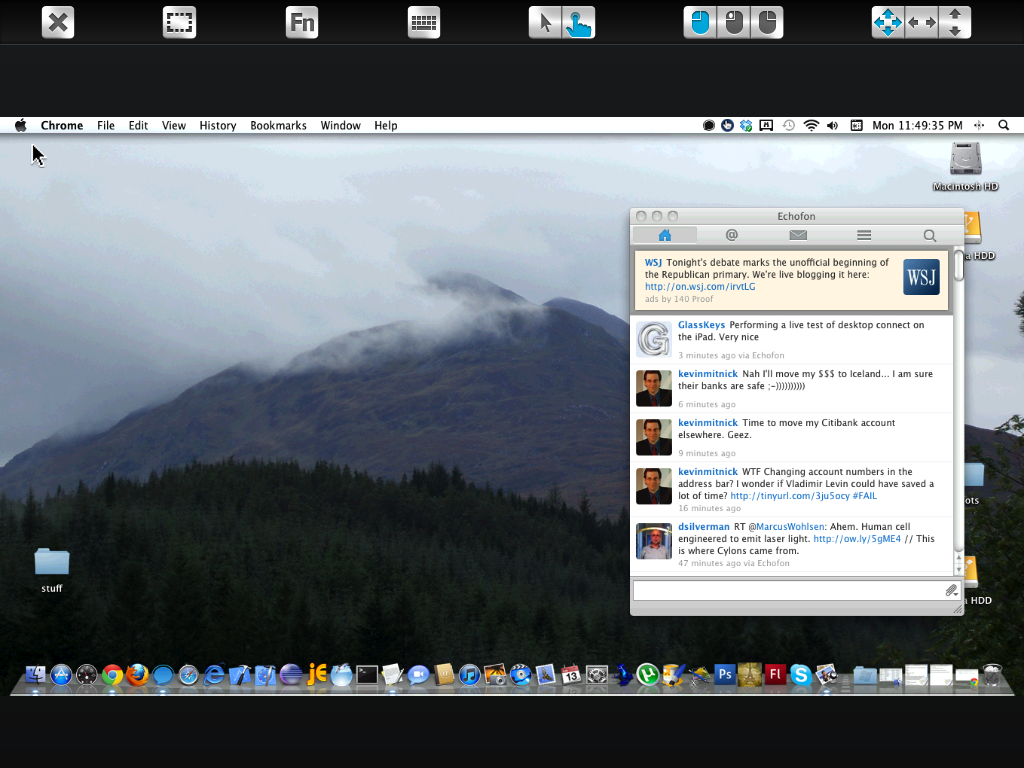
Entire desktop can be visible.
Pinching fingers together and releasing restored the full desktop view. To move the mouse pointer I tap once with my finger, move the cursor and tap again to “click” the mouse on the remote desktop.
Your finger does not need to be placed over the remote pointer, it will move the same exact distance up/down/left/right that you move your finger regardless of your fingers’ position on the screen.
 Glasskeys


 glasskeys.com
Leave a comment