-
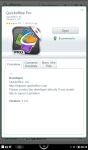
- QuickOffice Pro in App shop.
-

- Registration screen.
-
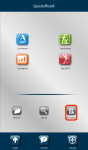
- Tap Accounts button to setup Dropbox account.
-
- Tap Dropbox option.
-
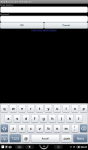
- Enter Dropbox account info.
-
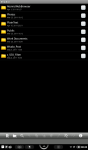
- Dropbox folders.
If you are looking for an “office suite” application for the Nook Color, Quickoffice Pro is currently your best bet. The app must be purchased from the B&N App shop as the Android Market is currently not available for the Nook Color.
Along with the ability to save documents in Microsoft Word, Excel, Powerpoint, and view Adobe PDF documents, the app also permits syncing with Dropbox. This is a “must have” for any modern mobile user. The screenshots above show App shop purchase and icon, and instructions on how to setup your Dropbox account to sync with Quickoffice Pro.
Verdict: If you need a well-behaved office application, get Quickoffice Pro on the App shop.
Disclaimer: I am not associated or employed by any company producing software reviewed on this site.
 Glasskeys


 glasskeys.com
I have a NOOK COLOR
By: Spencer on 01/01/2012
at 5:43 pm
thank you so much for this post!
By: Anonymous on 01/25/2012
at 2:54 pm
do you need an sd card?
By: Ashley Yu on 01/13/2013
at 8:54 pm
I generally use my SD Card slot for my CyanogenMod card, which is always in the slot, I just click it out — but keep it inside the Nook so I don’t lose it.
Dropbox is invaluable though, the only other service comparable is Skydrive which apparently runs on everything including IOS and Android, Macs, Windows, ad nauseum.
By: glasskeys on 01/13/2013
at 9:21 pm